Make music online, one part at a time
Hearhood is a free online beat maker for building drum patterns, adding bass and melody, and developing a short arrangement in your browser. The creative tools work without an account. Optional AI guidance needs an account or invite.
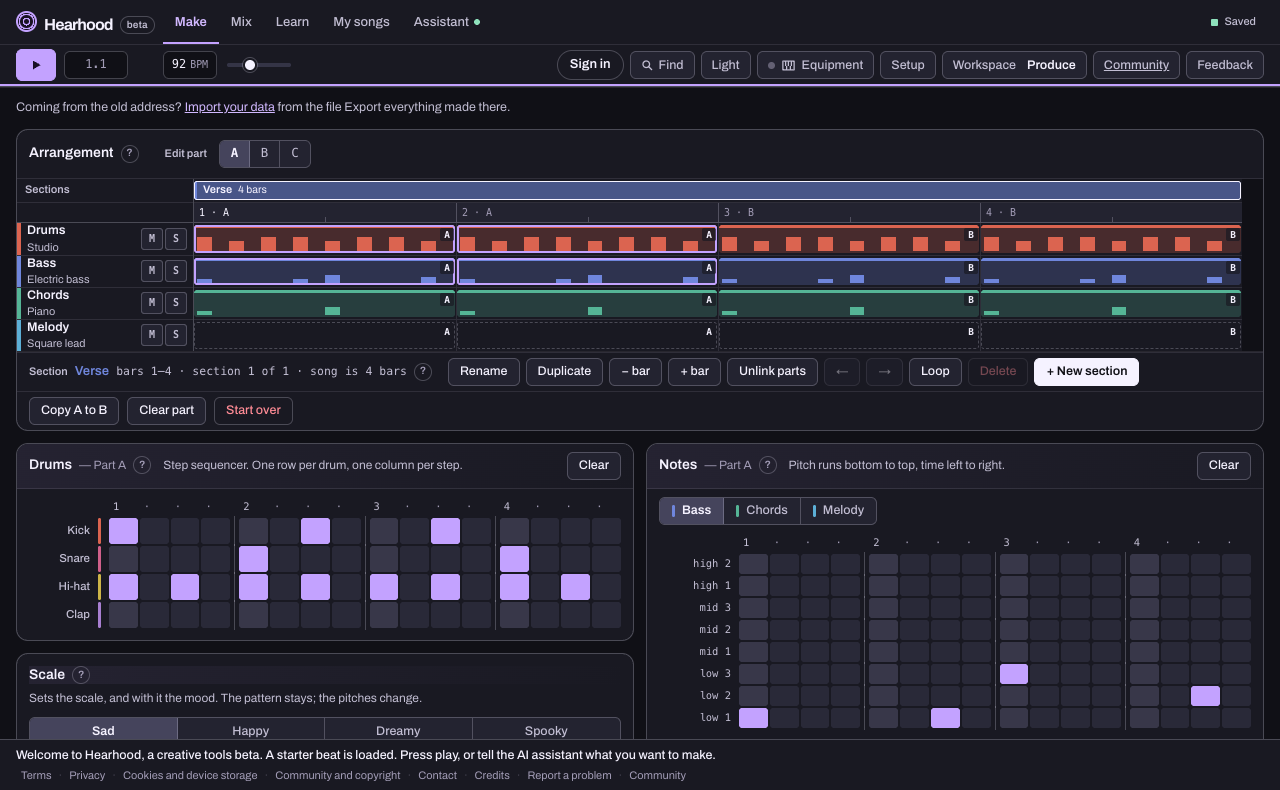
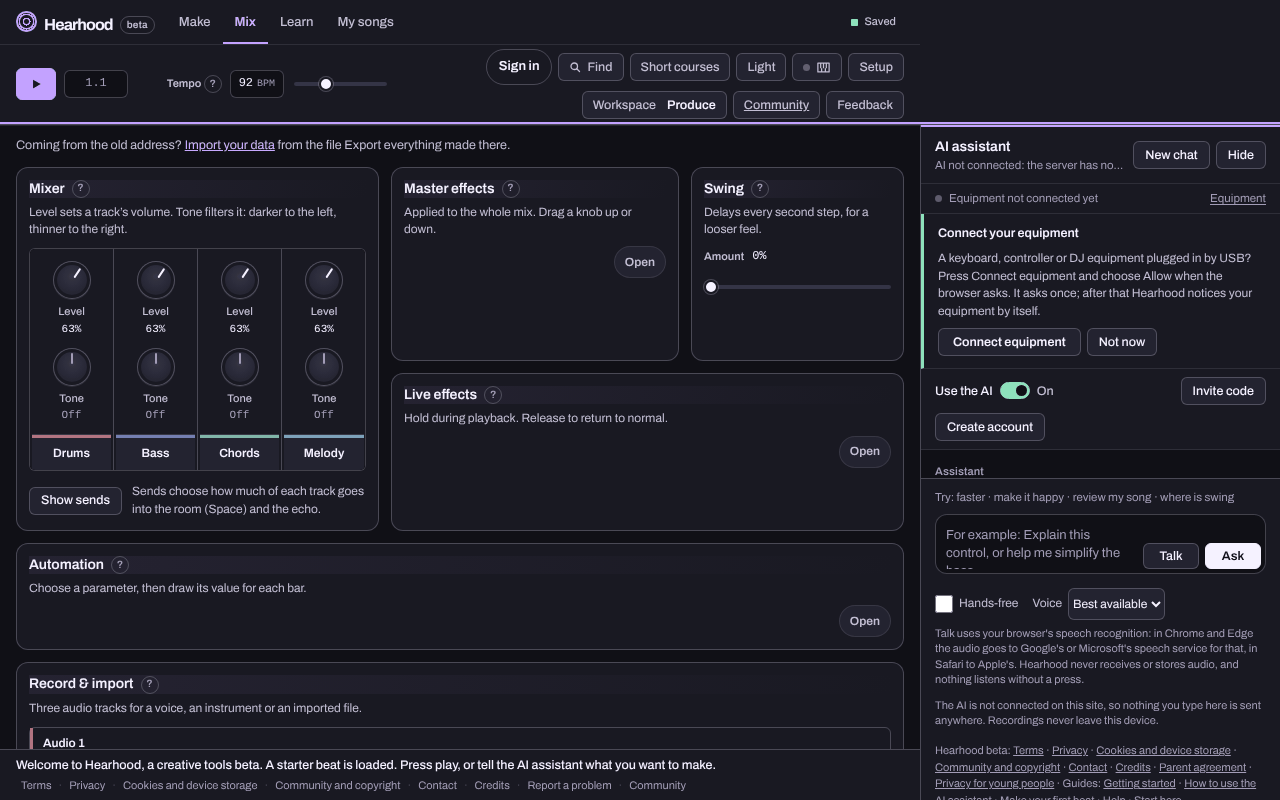
Open Hearhood in your browser, build a rhythm and try adding bass or melody. You can begin with a few notes and decide what to do next after you hear them. The Produce workspace is a step sequencer (Drums), a note grid (Notes, with Bass, Chords and Melody tabs), an arrangement of parts, and a Mix area with levels, effects and recording. It runs in the browser, saves there by itself, and needs no account.
Try the beat makerFollow a first-beat guide
Keep a small finished result
Finish a short demo from one loop. The exercise combines an independent chorus, an editable backup and a checked listening export, with a checked eight-bar example you can recreate.
Start with a repeating pattern
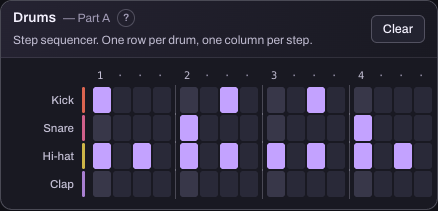
A loop gives you something to work against. Add a drum hit, listen, then change the part that interests you. Keep the first idea small enough to understand before building more sections. On a first visit a short starter beat is already loaded, so you can press Play and change what you hear rather than starting from silence.
Add contrast when you want to go further
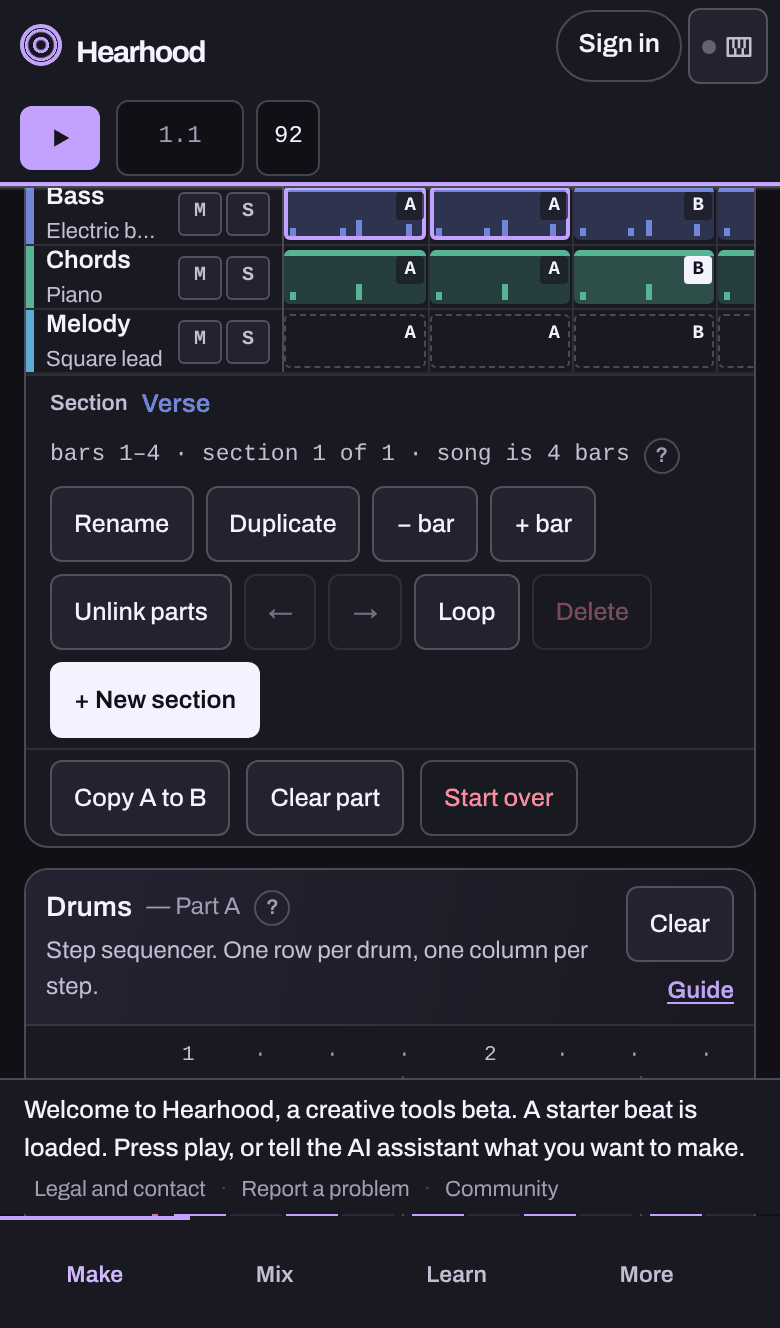
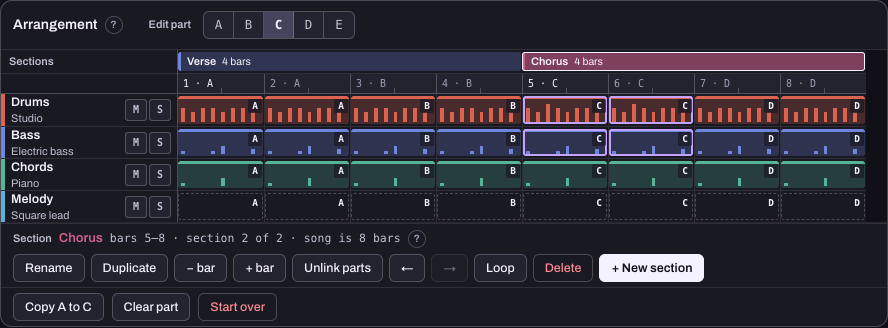
A second section can change the rhythm, the notes or how many parts are playing. The Arrangement card at the top of Make holds the song's sections and parts: Copy A to B gives you a second part to change one thing in, and Duplicate copies a whole section but initially reuses its parts. Select Unlink parts on the new section before editing its music if you want the original section to stay the same. Try one difference at a time. You can ask the assistant for an explanation or a supported change without giving it control of the whole arrangement: say which part you mean and what to leave alone, and Undo under its reply puts the song back if you prefer the earlier version.
Take a copy with you
Use the export formats in My songs and check whether you are saving editable project information or finished audio. Back up everything and Download this song keep the editable song; Export WAV (full quality) or Export MP3 (small, for sharing) is the finished mix as one file; Export stems and MIDI (.zip) and Export MIDI are for carrying on in other music software. Signed-in account sync keeps an editable copy of your work without recorded takes or DJ audio files. Keep an exported copy including recordings before clearing browser data or relying on another device.
Keep the rhythm. Try another sound.
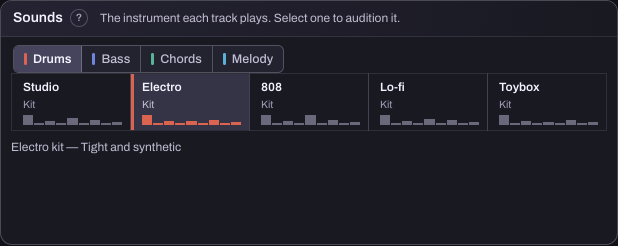
If the beat works but the kit feels wrong, compare sounds without rewriting the pattern. Hear what changes when the same part uses another instrument, then keep the version that fits your idea.
Start with a tune instead of a beat
If you can hum the idea more easily than draw it, the Songwriter workspace can turn a short hummed part into instrument notes. Then build a song around it with chords, drums and your voice.
Move beyond the same four bars
If the beat feels good but keeps going round, turn your loop into a verse-and-chorus sketch. Learn how duplicated sections share parts, when to unlink them and how one small change can give the next section its own feel.
Practise with an example
Use the practice files and short walkthroughs to keep an editable demo, compare two separate song copies and try original reference audio. Hear one mix change before adjusting several controls together.
Prefer a guided learning route?
Follow a beginner production pathway to connect a few small tasks, the matching existing Short courses and a practical next step. For family offline plans or another musical interest, choose a learning route.
Choose one thing to make
- Make a first beat: place a kick, snare and hi-hat on the grid.
- Add a simple bassline: give the rhythm a low musical part.
- Turn a loop into a song sketch: create contrast between two sections.
What do I need to start?
A browser and a way to hear the result. You can begin with the on-screen grid and built-in sounds; a keyboard or controller is optional. Projects save in this browser on this device. Export an editable backup before changing devices or clearing browser data.
Comparing music tools?
Read Hearhood vs BandLab to compare the starting experience, learning resources and saving model.
See also Hearhood vs Soundtrap for a first music-making exercise versus a collaborative recording workflow.