Try another take without losing the first
A take is one recorded performance of a passage. Hearhood's Songwriter can keep multiple takes for a recording region and lets you choose which one plays. Keeping alternatives is useful when a second performance improves one phrase but not everything.
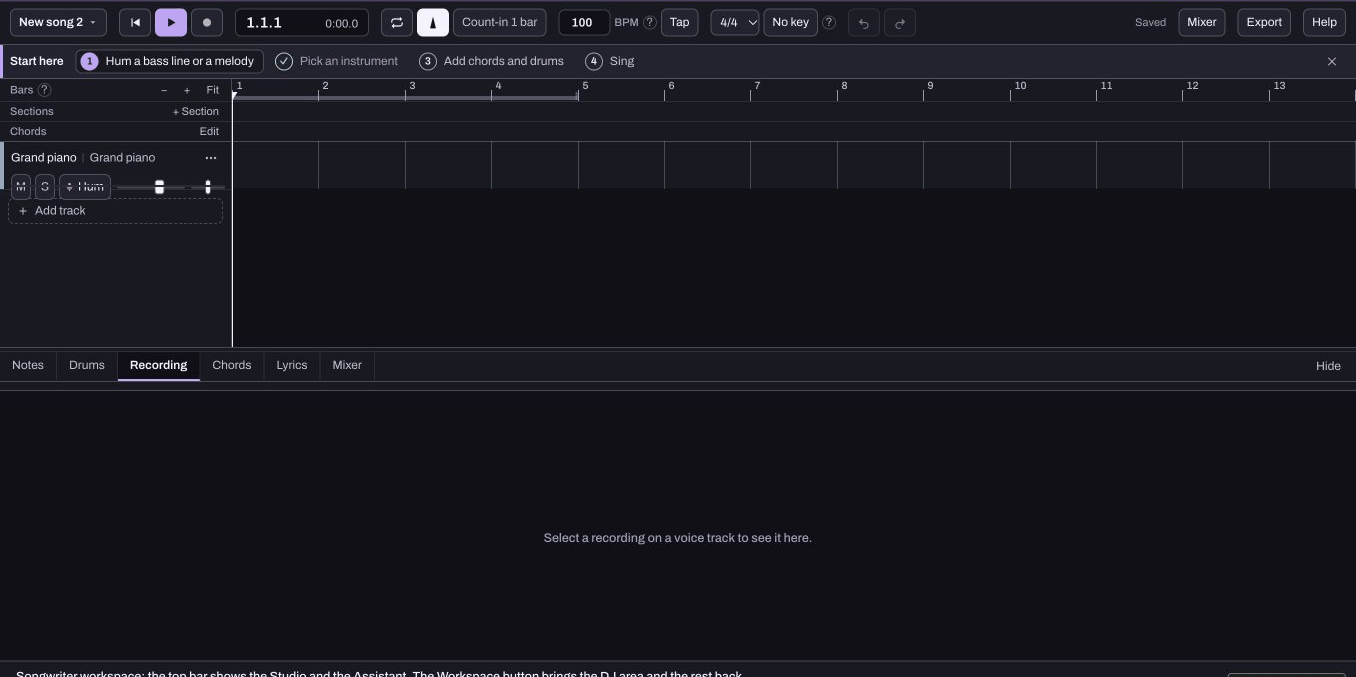
Prepare a short passage
Open a Your voice track and choose a small passage you can repeat. Set up headphones, microphone input and timing before recording. The first-recording guide and microphone-delay guide cover those separate checks.
Listen to the first take. Give yourself one aim for the next attempt, such as a clearer ending or steadier timing. Leave the tempo unchanged so comparison is meaningful.
Record the same place again
Return the playhead to the exact start position of the original recording on the same track before recording again. Selecting the region alone is not enough to guarantee that the new performance joins its take list. Keep the first performance rather than deleting it to make room. After recording, inspect the region and its take choices. On the computer, the recording editor offers a selector labelled Which take plays, with entries such as Take 1 and Take 2.
Check that the alternatives you expect are actually listed. If you created a different region, its controls may show a different set of takes.
Compare at the same level
Choose one take, play the passage, then choose the other and play it again. Compare timing, clarity and intention, rather than automatically choosing the louder performance. The selector changes which take plays; it does not automatically join the best words from several performances.
This guide does not promise automatic comping, pitch correction or cleanup of a clipped recording. It is fine to keep both takes while you decide.
Back up before removing a take
Export a Studio Song file with Include the recordings selected and reopen a copy when you need to verify the backup. Account sync and public Produce links exclude recorded takes. A listening WAV is useful, but it does not replace an editable project containing the separate recordings.
Delete take removes a take from the region. Avoid that control while comparing. Keep the alternatives until your backup and choice are clear. Saving and export explains the separate file workflows.