Keep Hearhood close without losing your work
Hearhood can be added to your device as an installable web app. This gives you a Home Screen or desktop entry and an app-like window. It does not turn browser storage into a permanent backup or make every online feature work offline.
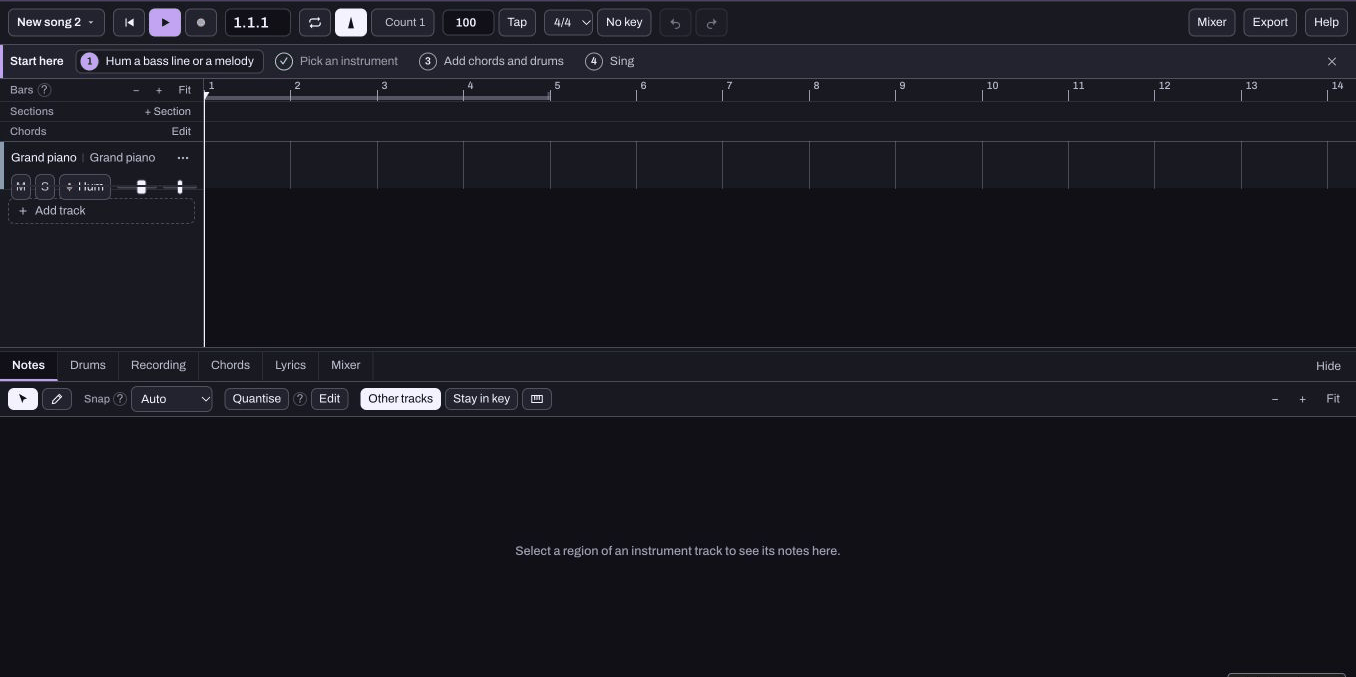
Install from your usual browser
Open Hearhood's account menu and look for Install the app. On a supported browser, follow its normal installation prompt. On iPhone or iPad, the menu offers Add to Home Screen instructions instead. Follow the instructions for the browser and system you are using; the exact share-menu labels can differ.
If you cannot see an install option, you can still use the website. There is no need to install an unfamiliar extension or pay for access to the current free tools.
Know what the shortcut opens
The installed app opens Hearhood. Where your system exposes web-app shortcuts, Hum a melody goes towards the Songwriter humming flow and Discover opens the community listening page. A shortcut does not begin recording by itself. You still choose to start the microphone flow and grant permission when needed.
The humming guide explains the creative steps after opening the workspace.
Offline is a fallback, not a promise
The service worker can keep an app shell and previously fetched static files. What is available depends on what the browser saved and whether it kept that data. Your first visit, missing instruments or an uncached asset may still need a connection.
Account sign-in, community activity, public song retrieval and the live course catalogue depend on the service. Do not assume that installing the app downloads every course, shared song or DJ music file. The optional AI assistant also needs a connection.
Make a backup before relying on another device
Keep an editable export with any recordings you want to preserve. Reopening the installed app and seeing the project is a useful check, but it does not prove that the work has synced or survives clearing site data.
The saving guide explains the difference between a listening file, editable project and account copy. Treat installation as a convenient entrance to Hearhood, while keeping backup as a separate habit.