Give a drum part a little movement
A drum feel is a starting pattern. A variation changes that pattern, and a fill adds a short change near the end of a part. In Hearhood Songwriter, these controls help you try movement without writing every hit from scratch.
Keep the first pattern before changing it
Save a version or song-file copy of a beat you want to retain. Selecting a feel or variation generates a pattern; it is not a small adjustment that necessarily preserves all your manually edited hits.
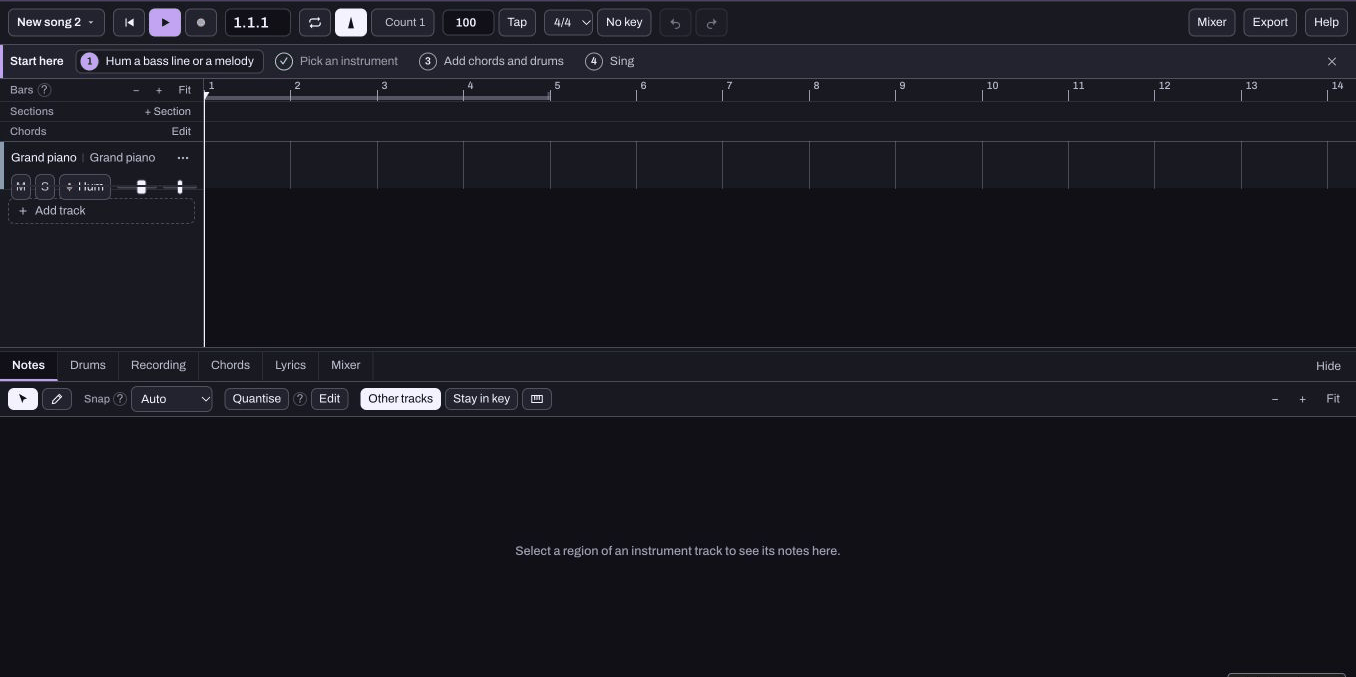
Use Songwriter's Drums editor for the region you intend to change. Produce's separate grid and arrangement use a different workflow, so check which workspace is open.
Choose one feel
Start with a simple feel, such as Pop, and listen to a short region. Compare A with B while leaving the song tempo and instrument balance steady. Then return to the one you prefer.
The letter does not mean better or more professional. You are choosing what supports the song. Keep enough space for the melody or voice.
Add a fill where it can fit
Use a part of at least two bars before enabling Fill. The current Songwriter implementation needs that length to put the fill into the final bar. A one-bar part cannot provide the same result; the app explains when it needs a longer part.
Listen through the end and back into the next section. A fill is useful when it signals a change without making the return to the beat feel accidental.
Try density separately
Busier adds a layer of hits and Sparser removes a layer. Compare one action at a time with the original. Do not press several generators and then expect one Undo to explain which change helped.
For a short exercise, keep a verse simple and try a variation or fill towards a chorus. If you are arranging in Produce, learn how linked and independent parts behave in turning a loop into a song before changing a copied pattern. Keep the original idea available while experimenting.